Software Videos
Videos for the Constructor and the Residential Wire Pro
- Home
- Software Videos
Constructor 16 Videos
Explore the new features in the Constructor 16
Run Time: 3:40
Constructor 14 Videos
Constructor 14 - Quick Overview
Run Time: :45
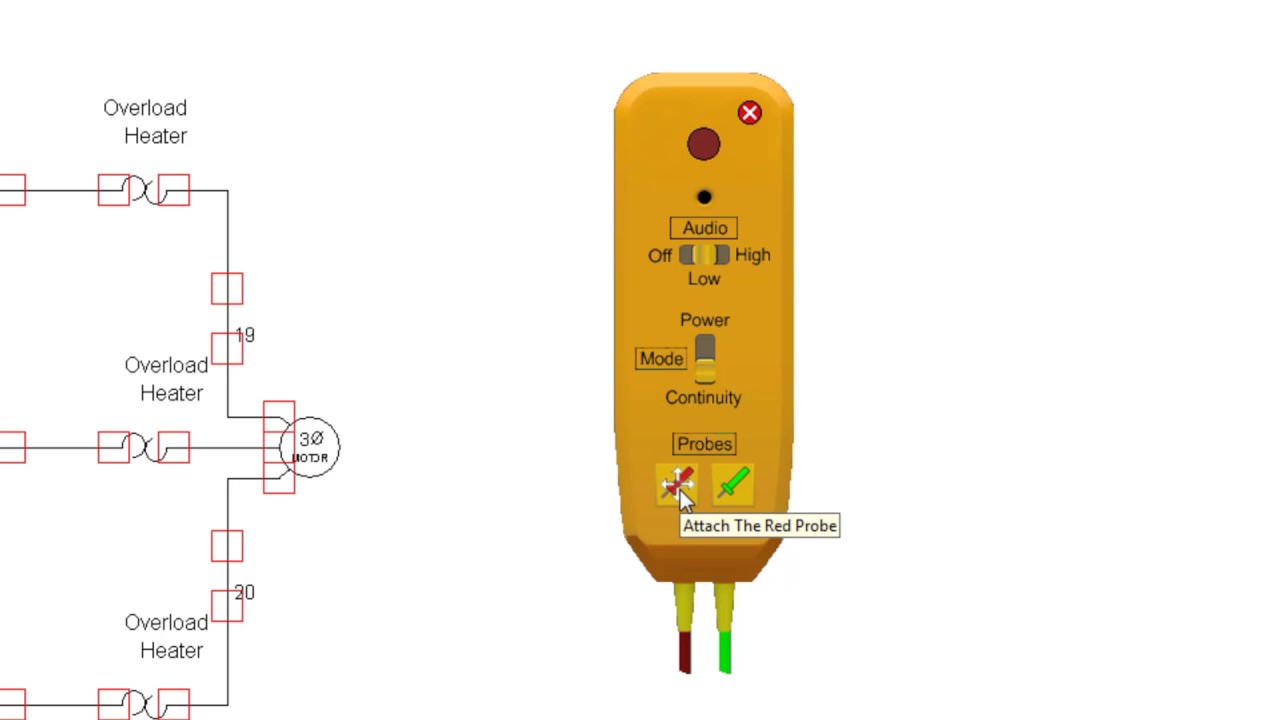
Using The Test Probe And Troubleshooting Mode
Run Time: 17:09
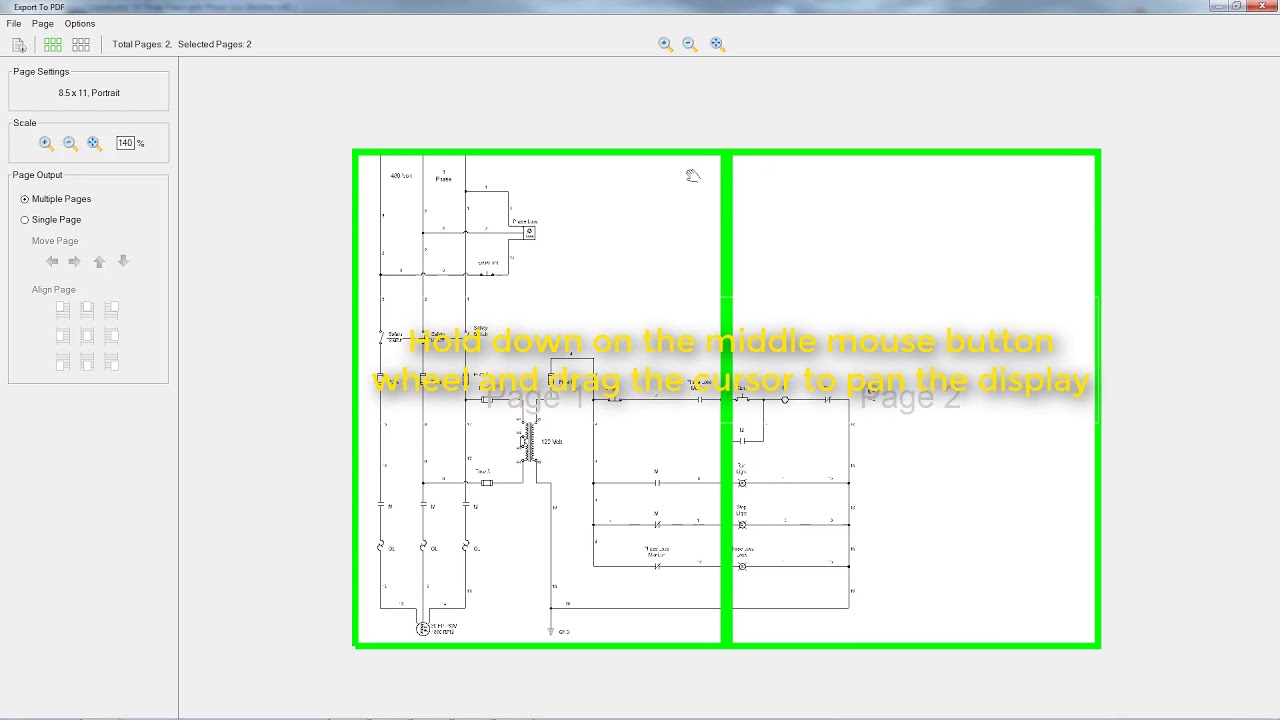
Using the Constructor 14 PDF Export Features.
Run Time: 4:41
Constructor 13 Videos
Constructor 13 - Introduction
Run Time: 16:26
Constructor 13 - New Features
Run Time: 10:13
General Constructor Videos
Designing and testing a simple start-stop circuit in the Constructor program.
Run Time: 6:55
How to use the "Rung Number" and "Contact Location" symbols in the Constructor program.
Run Time: 5:29
Using the Workbook in the Constructor program.
Run Time: 4:58
Wire numbers and labels in the Constructor program.
Run Time: 3:24
Using diagram templates in the Constructor program.
Run Time: 4:21
Adding and editing legends in the Constructor program.
Run Time: 3:08
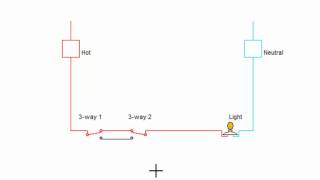
Tutorial - Wiring 3-way switch and 4-way switch circuits.
Run Time: 4:35
Residential Wire Pro 5 Videos
Learn all about the powerful new features of the Residential Wire Pro 5 for designing floor plans and documenting all types of wiring.
Run Time: 3:14
An introduction to some of the great features of the Residential Wire Pro 5
Run Time: 2:14
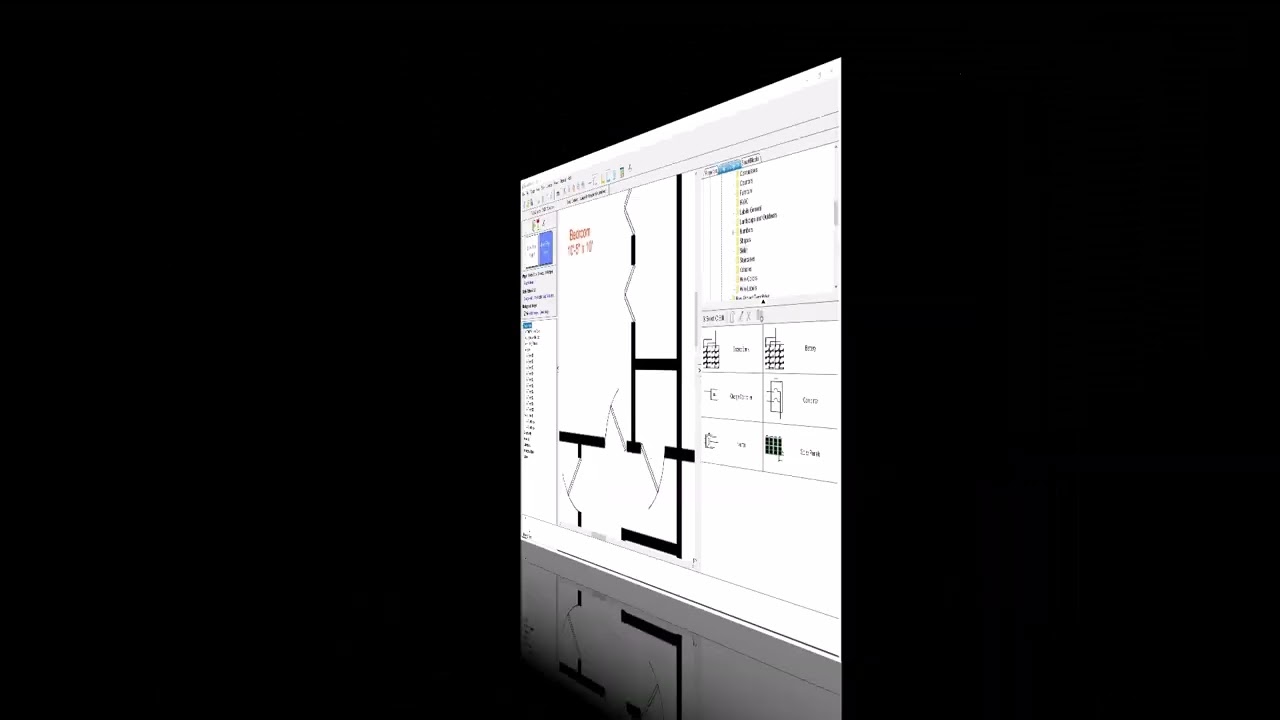
Quick tutorial on importing a PDF floor plan and adding symbols to it.
Run Time: 6:14
Residential Wire Pro 4 Videos
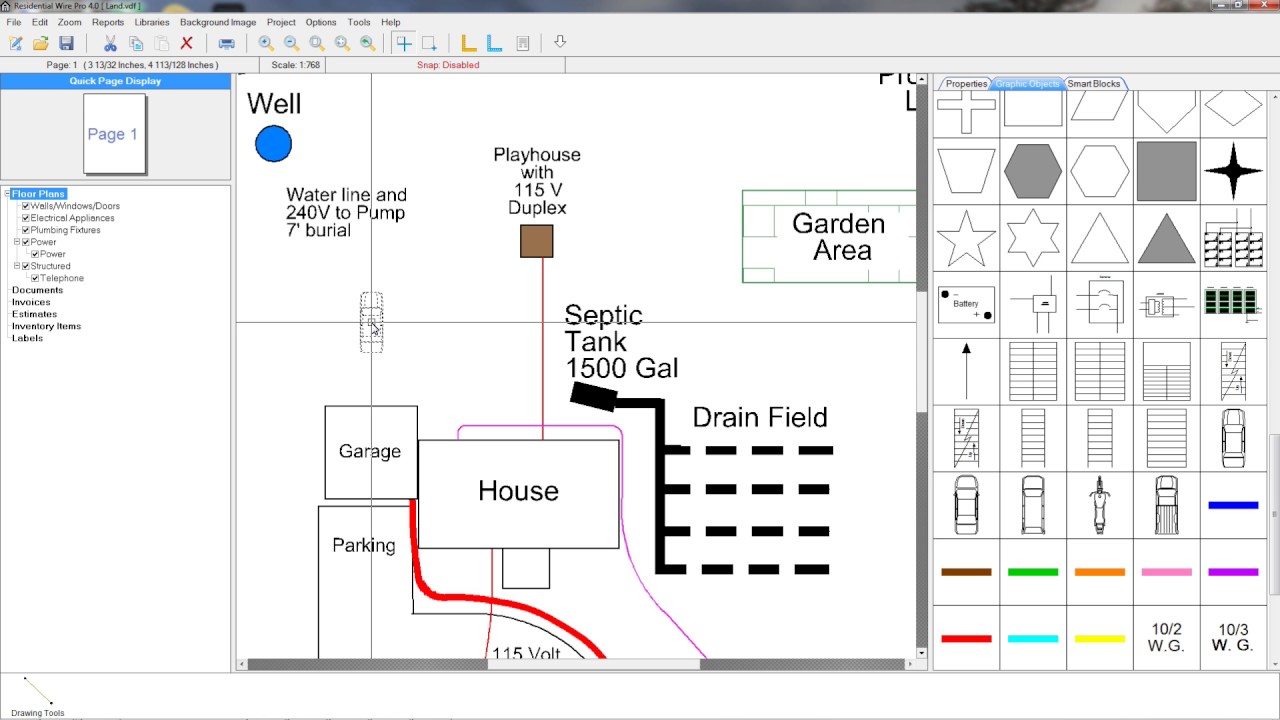
Learn all about the powerful features of the Residential Wire Pro 4 for designing floor plans and documenting all types of wiring.
Run Time: 2:36
Residential Wire Pro 3 Videos
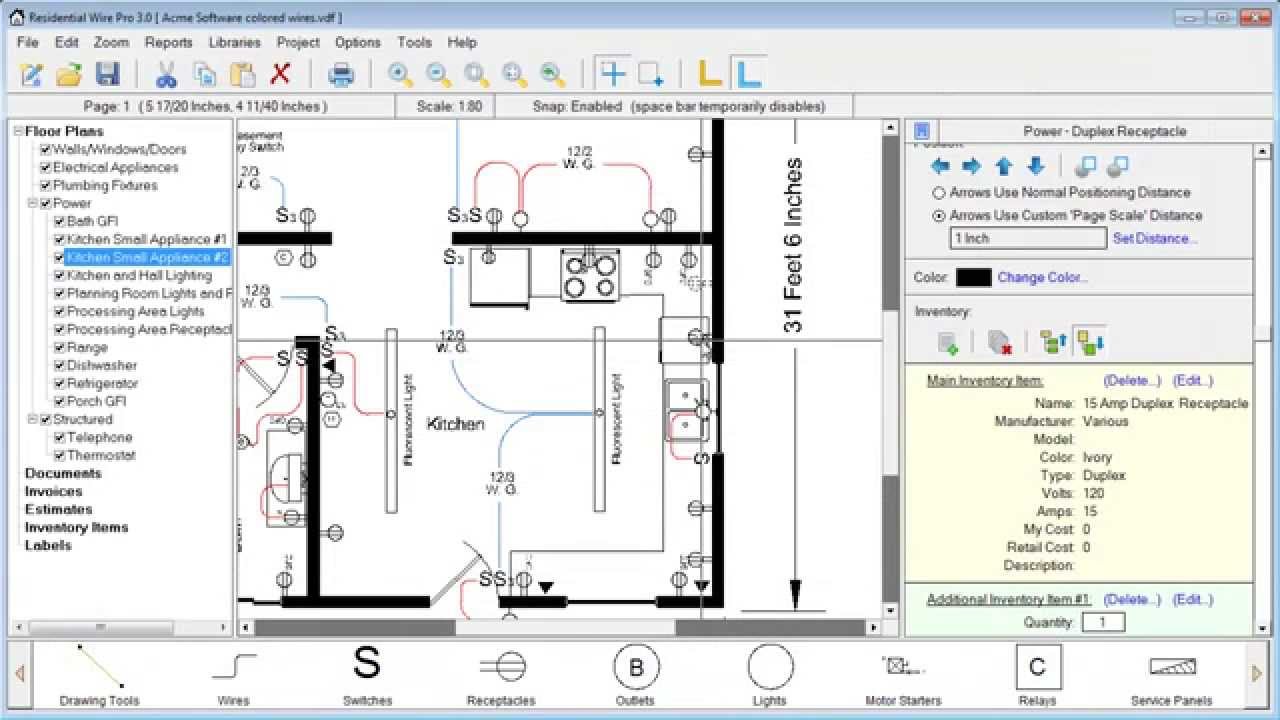
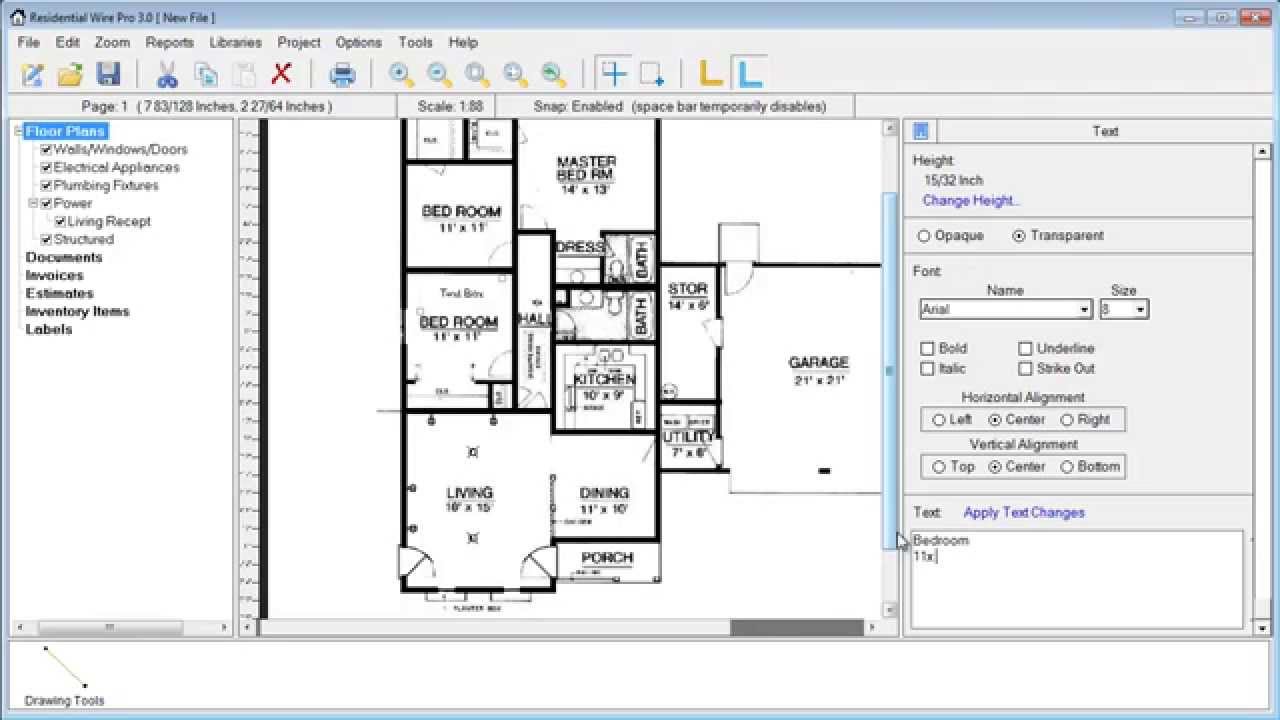
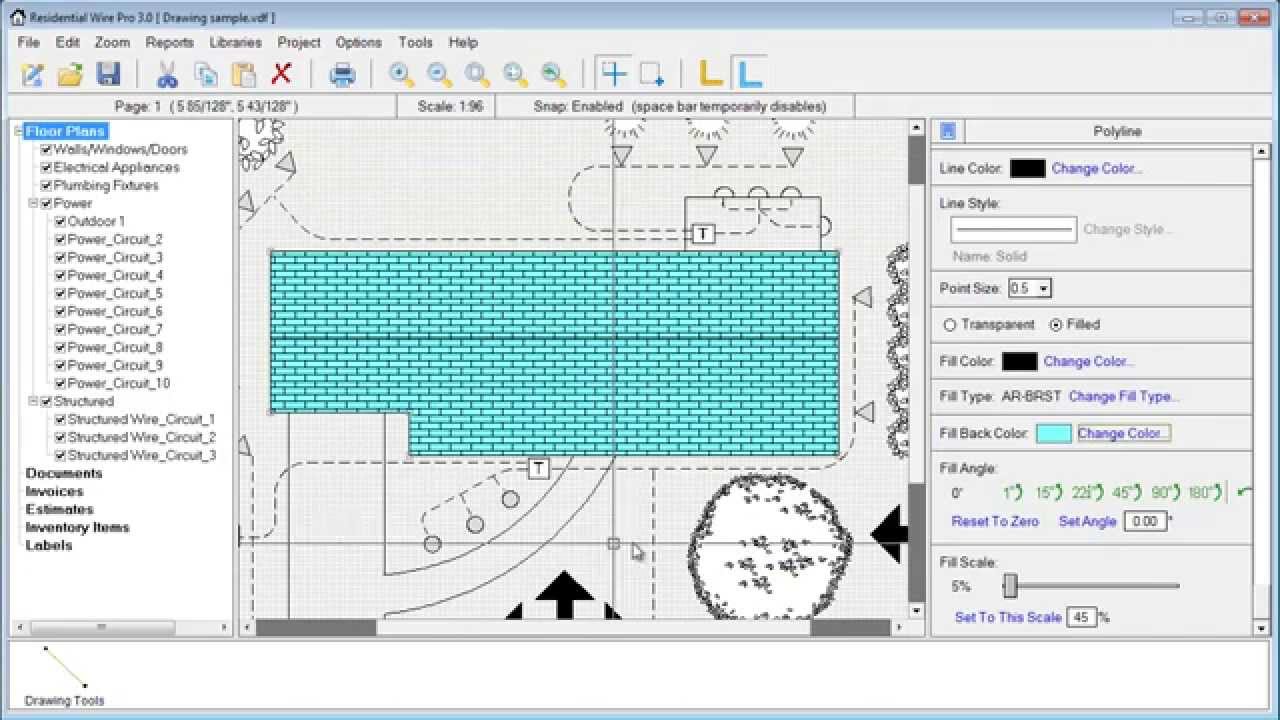
This introduction video will show you the basic features of the program and teach you how to use the various tools for creating and designing residential electrical diagrams.
Run Time: 24:08
Learn how to import a PDF file onto your project background so that you can place electrical symbols over it.
Run Time: 15:59
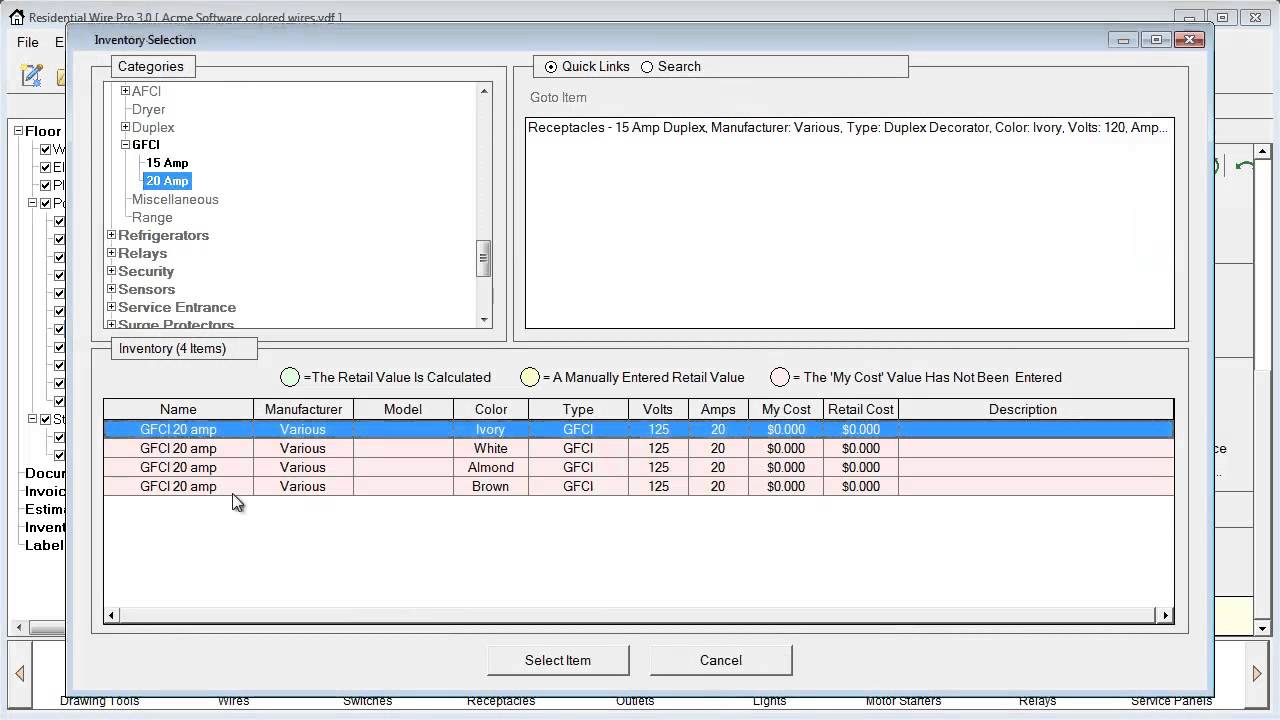
Learn how to use the inventory manager to create and edit database items that can be assigned to symbols as well as how to create reports for invoices and bids.
Run Time: 15:50
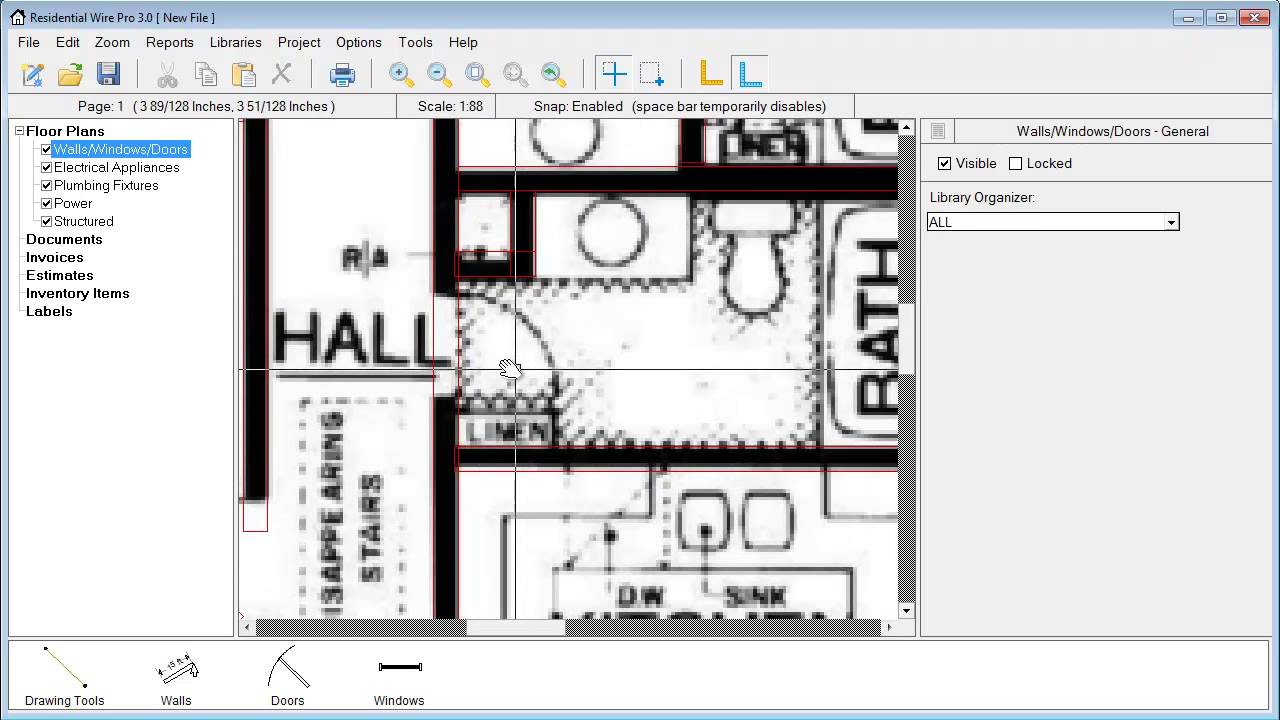
Watch as we fully convert a PDF floor plan into the Wire Pro by tracing over the PDF with walls windows and doors.
Run Time: 16:05
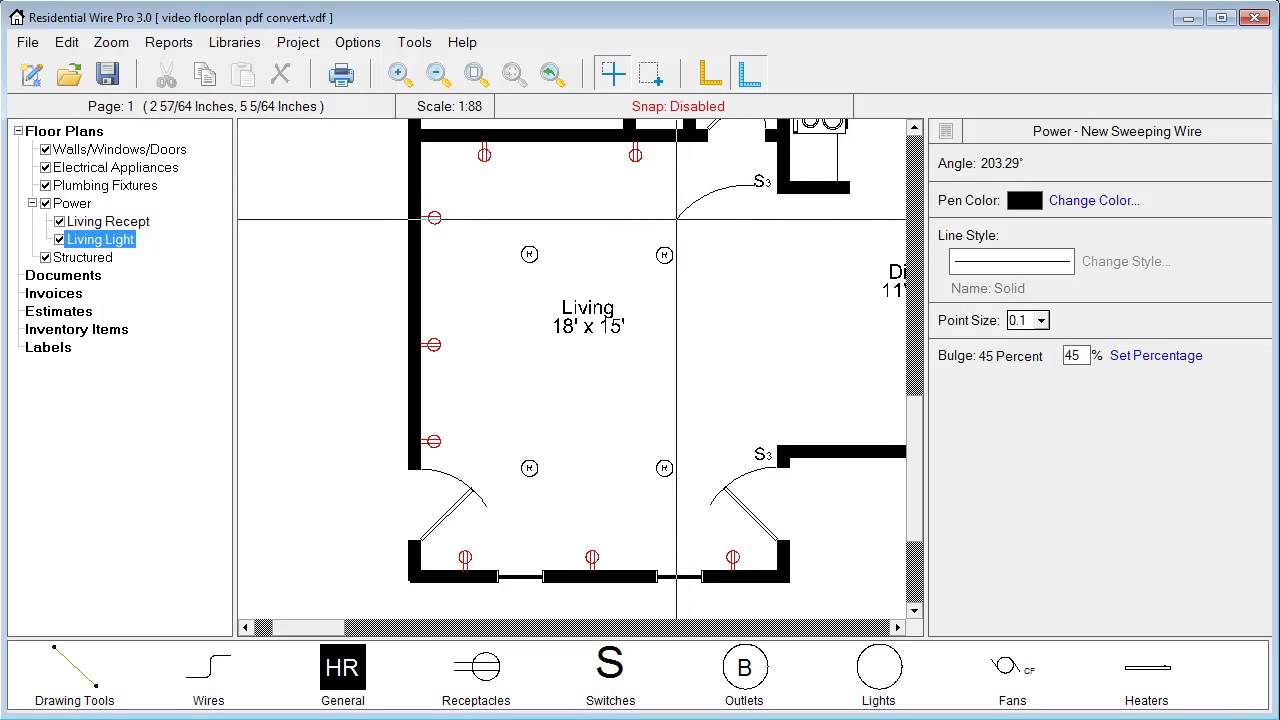
Learn how to create and manage electrical circuits in the Residential Wire Pro.
Run Time: 12:32
Learn how to work with the drawing tools and create graphic objects you can save for your projects. Also learn how to edit smart blocks in the RWP.
Run Time: 13:53